JCT Software
From the first release of our flagship software LinSig in the 1980s to our upcoming LinFlow application, JCT have a storied history of developing industry-leading software, developed with traffic engineers, for traffic engineers. Every application we produce is tested by our consultants on real-world problems to make sure that not only does JCT software get the job done, it gets the job done well, letting you focus on what matters most to you without getting in the way.
LinSig 3
The Design and Assessment Tool for Traffic Signal Junctions and Urban Networks
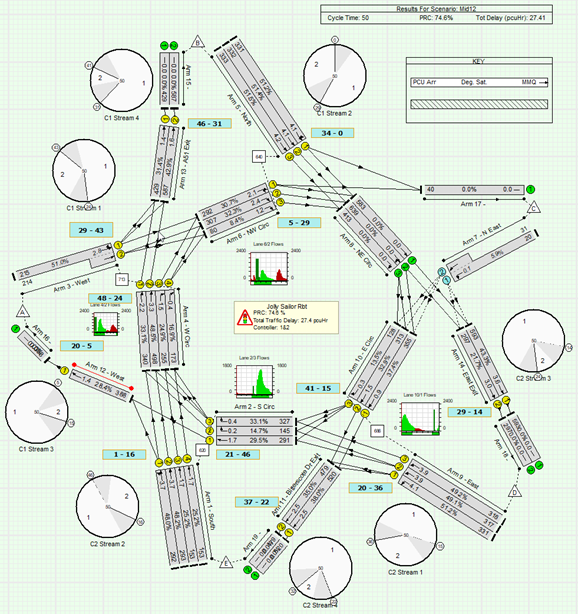
A powerful design and assessment tool for traffic signal junctions and urban networks, LinSig 3 is the latest version of the industry-standard software for the assessment and design of traffic signal junctions.
Combining traffic and controller modelling in one package, LinSig has been instrumental in advancing UK phase (signal group) based methods of control, giving maximum safety for all road users.
LinSig greatly simplifies rapid testing of new traffic signal schemes which involve large numbers of alternative options. LinSig allows different options to be quickly modelled and rejected or taken forward.
LinSig is also a powerful tool for the interactive design of signalled roundabouts, allowing you to tweak timings and offsets on-the-fly and see results in moments.
If you’re modelling signal junctions in the UK, you’re probably using LinSig already. If you aren’t, try it and find out why you should be.
quickGreen 2
Fast and Safe Phase Intergreens Calculated with Confidence
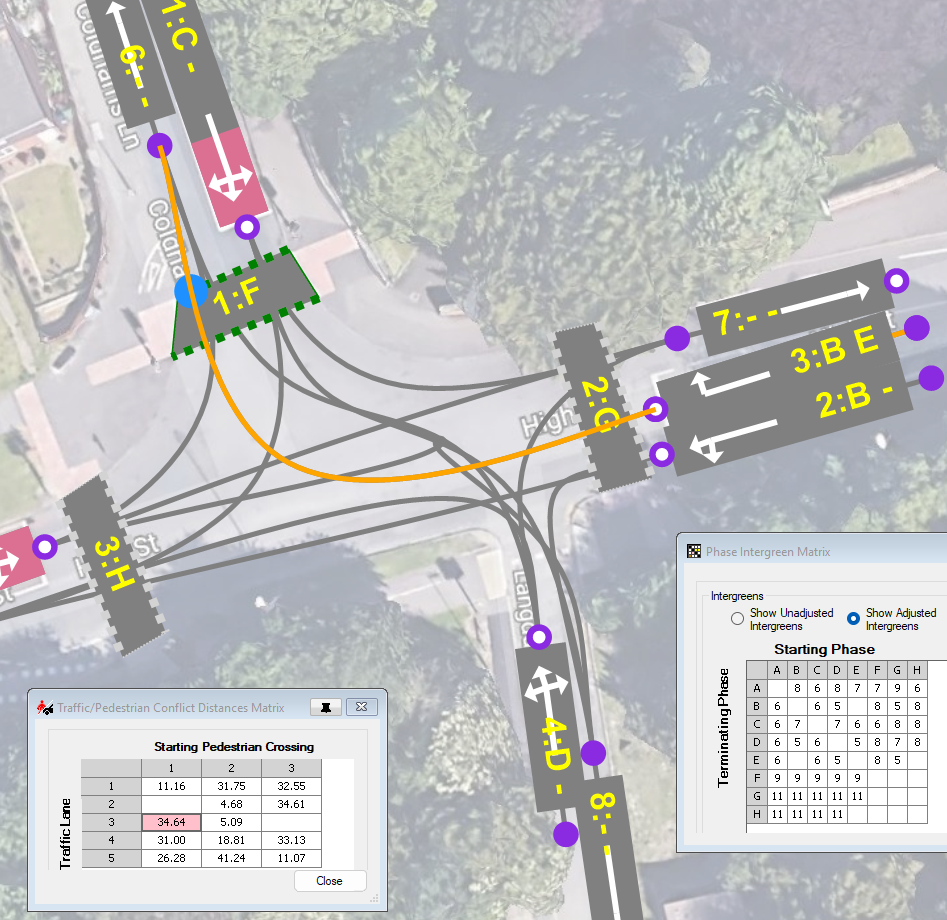
quickGreen 2 is an innovative software tool to help signal engineers measure and calculate phase intergreens for traffic signal junctions. The software is designed not only to speed up the measurement process but also to reduce errors, improve the ease of checking of intergreens and assist with archiving intergreen calculations.
With quickGreen 2, you can import an image of a junction from a variety of data sources, calibrate the scaling, define lanes, turning movement paths, and pedestrian crossings, and watch as quickGreen identifies conflict points by measuring these geometries.
Once phases are supplied, this can be used to create a phase intergreen matrix which itself can be overridden if local knowledge goes beyond the raw calculations, and this can be easily exported for use in other software.
If you have questions about intergreens, see if quickGreen 2 has the answer.
Our Other Software
JCT TrafficTools
TranEd 2
LinSat
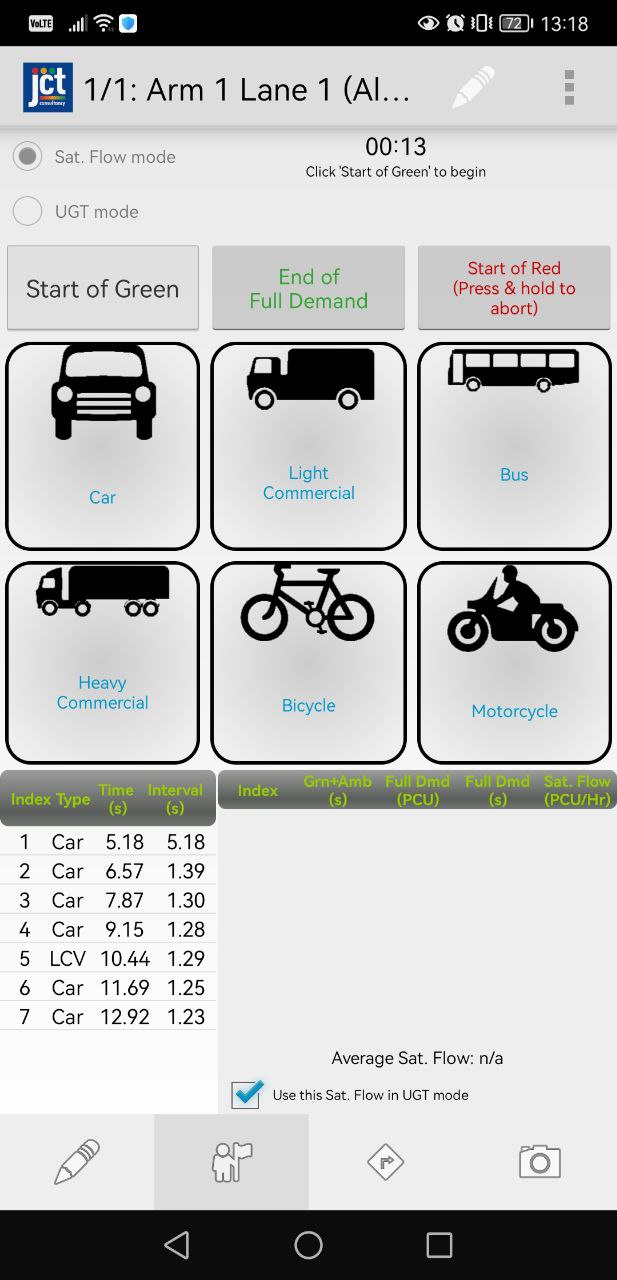
JCT TrafficTools is a free Android app that can assist in on-site data collection, as well as measuring Saturation Flows, Degree of Saturation, and Underutilised Green Time.
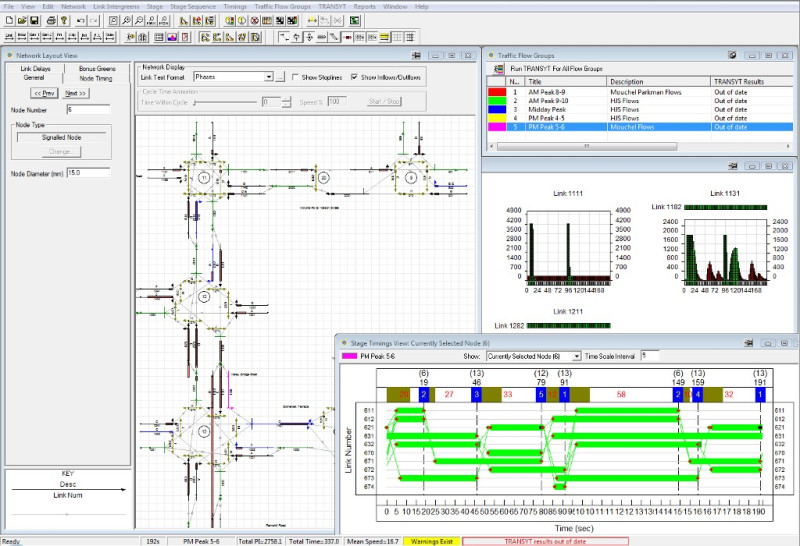
TranEd is our legacy graphical editor for TRANSYT V11/12. It provides an enhanced user interface for TRANSYT and includes a wide range of additional and improved facilities over TRANSYT V11/12 alone.
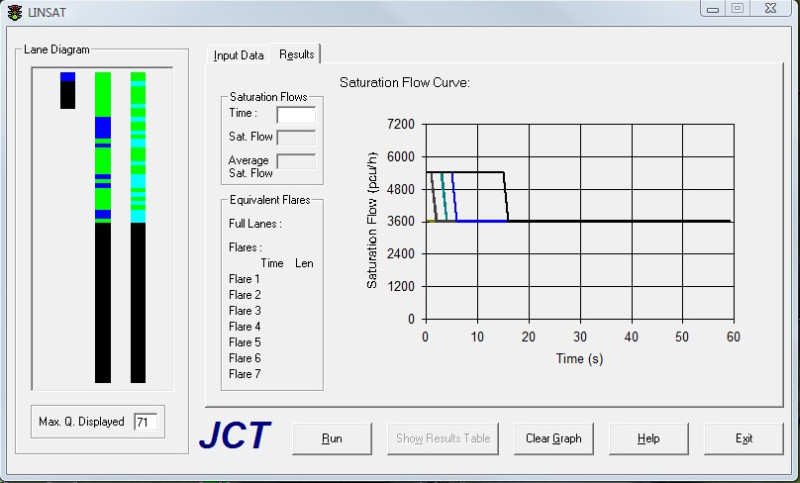
LinSat is our legacy analysis package for estimating saturation flow for complex flared approaches to traffic signals. It uses a simulation based technique to adjust saturation flows to take account of features such as lane under-utilisation and blocking.
Software Support
At JCT Consultancy we stand by our software, that’s why all new software licences come with 12 months of software support free of charge. When this free support has expired software support can be continued for an annual fee.
Contact Us
Although our software is designed to be easy to use we recognise that it is still complex engineering software and it is inevitable users will have questions regarding the software and its use.
The Software Support Helpline is designed to help answer these questions. We aim to provide a high-value service where you can directly speak to or email an experienced traffic or software engineer without call centre-style automated menus or other common annoyances often found with less helpful helplines.
If our website does not answer your question and you have an active software support agreement for the product in question, we encourage you to get in touch with us.
Our support hours are between 9AM and 5PM, UK Time. Your query will be reviewed by one or more members of our team and an answer given as soon as possible.
If your query is regarding a specific model or file it is often useful to email us a copy of the file with a description of the problem so we can examine the model before replying by email or telephone as appropriate.
Please note that although we will always try to help, especially with new users, our software are complex engineering tools and the helpline cannot be a substitute for a proper training course or experience of traffic signal design & modelling. Replies to queries will generally assume a reasonable basic level of traffic signal engineering knowledge.
Please email JCT directly using the address on the left if sending us files.
Software Updates
Updates to JCT Software can be downloaded below. All downloads are free of charge provided a software support agreement is in place for the product being updated.
If you are not sure whether you are eligible for free software updates, please contact us to confirm before installing updates.
Documentation
Copies of the latest versions of manuals for our software are available for download as PDF documents by clicking on the links below.
If you have any need for historical documentation, please get in touch with us directly.
quickGreen 2
quickGreen 1
TranEd 2
LinSig 2
FlowRound
Activating JCT Software
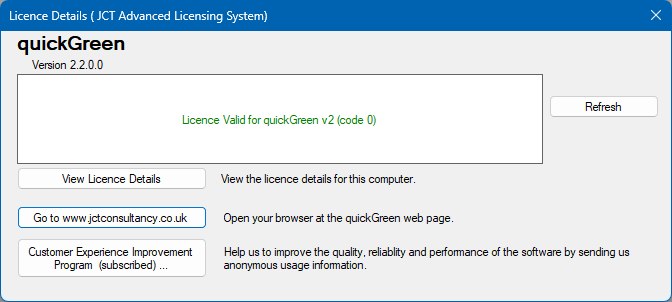
In order to use most JCT Software it must first be activated on the computer on which it is installed.
If you have any problems with activating your software, we have a dedicated contact email for queries at activation@jctconsultancy.co.uk